Engagements & assets
An engagement is a scoped testing project; assets are the targets inside it. Get these right and every test stays inside the boundary you set.
What an engagement is
An engagement is the container for a body of testing work against one scope — a client, an environment, or a product. It holds the targets you're allowed to test, any authentication you've supplied, the network access method (for internal work), and the full history of tests you've run.
You pick a type (sometimes called a persona) when you create the engagement. It tunes the toolset and the methodology the planner follows. There are six:
External Web App
HTTP discovery, subdomain enumeration, content fuzzing, and web vulnerability scanning against an internet-facing app.
External Network
Port discovery, service versions, TLS analysis, and edge-service vulnerabilities on public infrastructure.
Internal Network
Mixed internal work — web, SMB shares, databases, file servers, and credential capture. Requires network access.
Internal — Active Directory
The full AD chain: LDAP enumeration, Kerberoasting, AS-REP roasting, SMB/WinRM auth, credential spray, BloodHound, and AD CS.
API
Spec-driven API testing. Point SimpleSec at your OpenAPI/Swagger/Postman spec (or let it discover one), and it materializes every endpoint for injection and vulnerability testing — then runs BOLA/BFLA authorization checks across the identities you supply, surfacing broken object-level and function-level access that scanners miss.
Discovery
A fast "what's alive" inventory — hosts, open ports, and HTTP banners. Useful before you scope anything deeper.
These are not interchangeable. A plain Internal Network engagement will not run the AD-specific tools. If you want Kerberoasting, BloodHound attack paths, or AD CS analysis, pick Internal — Active Directory.
Create an engagement
- Open Engagements and choose New engagement.
- Name it and pick a type from the six above. The type tunes which phases and tools the planner will use.
- Add authentication (optional). If the target needs credentials — a login for a web app, or a domain account (password or NTLM hash) for AD work — store them in the engagement's auth config so the planner can test authenticated surface. Secrets are encrypted at rest.
- Attach network access (internal only). Upload a WireGuard config or deploy the agent so SimpleSec can reach the private network. Covered in its own guide.
Assets register themselves
An asset is a target — a host, IP, or web application. Here's the simple part: you don't have to register them up front. Point your first test at a target and SimpleSec registers it for you automatically (you'll see it tagged "Auto-registered from first test"). For most teams the asset step disappears entirely — you just run a test.
Prefer to define them in advance? You still can. Open Assets, add each target, and give it a type (internal, external, or web). It's optional — handy when you want the list locked down before anyone runs a test, but never a required first step.
Once an engagement has assets — whether you added them or the first test did — they become its allow-list. A later test aimed at a brand-new target won't run silently; SimpleSec flags it and asks you to add it first. That's the guardrail that stops an accidental test of something you aren't authorized to test.
How scope works
When you launch a test you choose an engagement and the scope — the specific hosts that run is allowed to touch. On the very first test those hosts seed the engagement's asset list. After that, each host in scope is checked against the list, so the workflow settles into:
- First test: just type your target and go — it's registered automatically.
- Later tests: reuse a registered asset, or add a new one when you genuinely expand scope.
Because auth configs, network profiles, and captured evidence are all scoped to the engagement, nothing bleeds across clients or environments — each engagement is isolated.
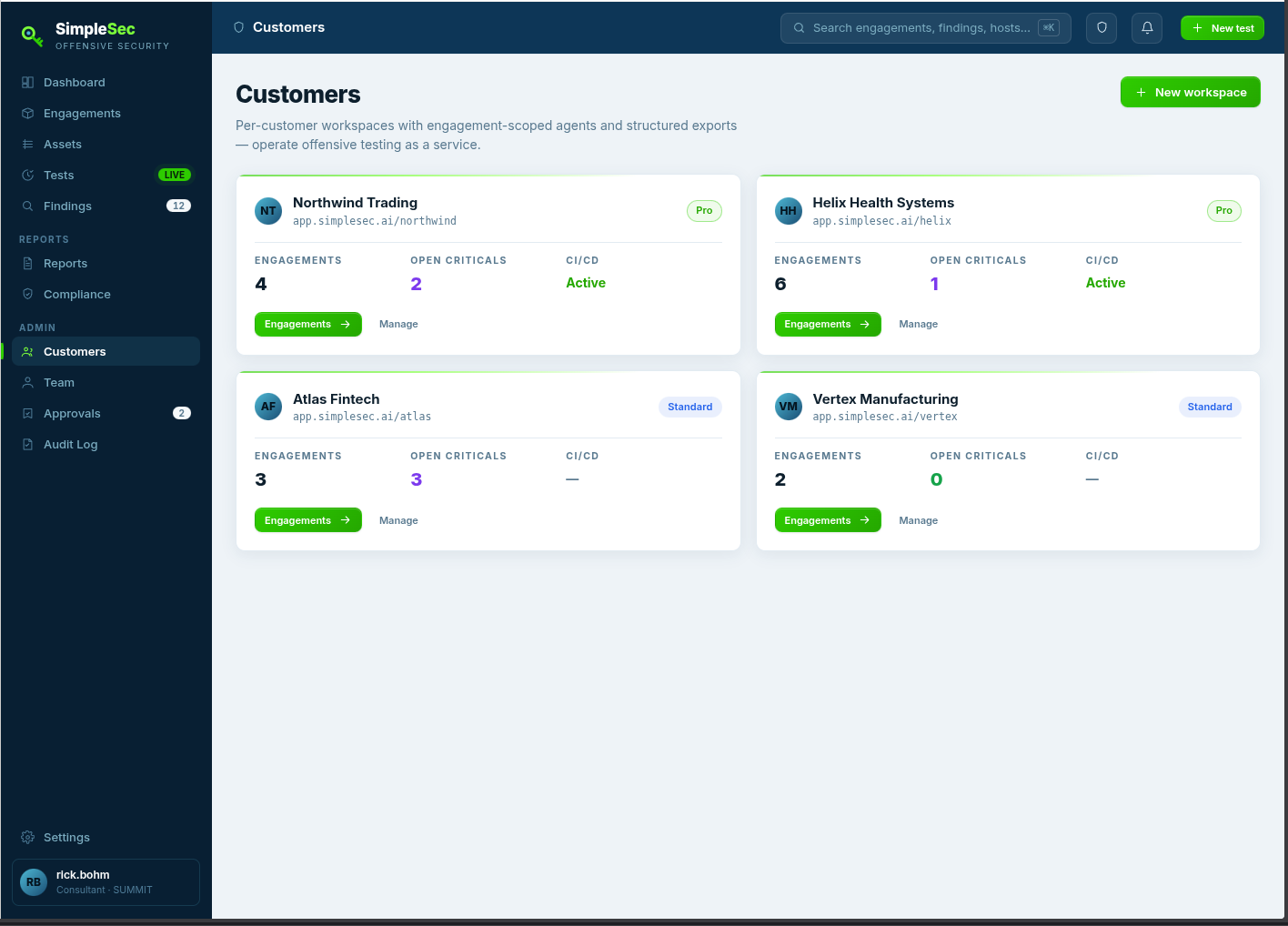
If you manage multiple clients, use the Customers screen to organize separate customer workspaces, each with their own engagements and CI/CD status. Evidence and credentials never cross customer boundaries.